
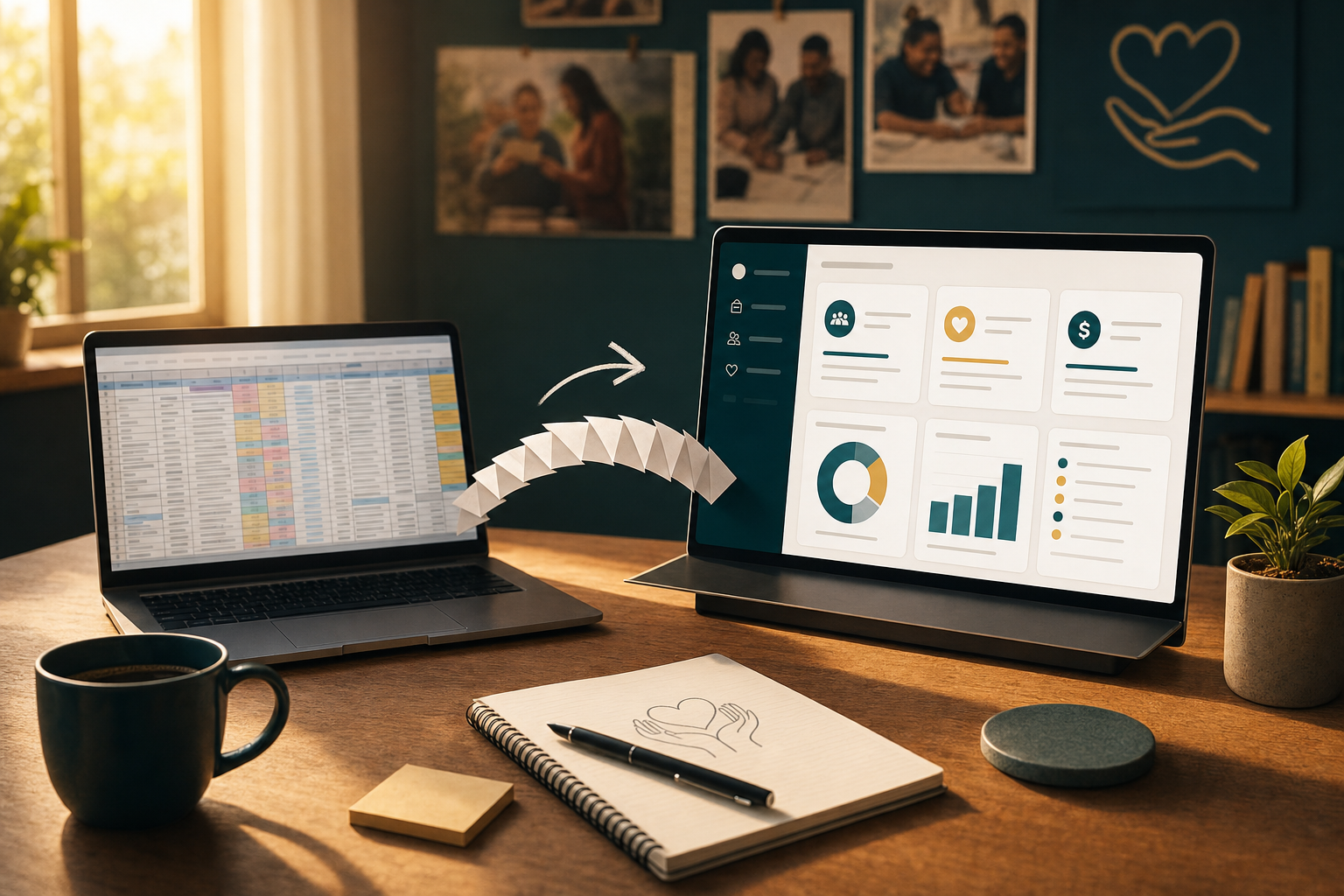
If you are running your donor database out of a spreadsheet — or, worse, several spreadsheets shared across a Dropbox folder — you are not alone. According to a survey summarized by Nonprofit Tech for Good and NTEN, nearly 30 percent of fundraising and development departments still primarily store data in spreadsheets, and a separate CRM-donor study found that 30 percent of nonprofits still use Excel or documents as their primary system for managing donors.
The bigger surprise from NTEN's 2024 Donor Management Systems Study of 379 nonprofits is not the adoption gap — it is the switching cost. More than half of nonprofits stayed with their current donor management system primarily because of familiarity and a desire to avoid switching disruptions, not because their current system actually fit their needs.
Translation: fear of the migration is now a bigger blocker than the cost of the software itself. This post walks through why spreadsheets quietly cost you more than you think, and how to run a spreadsheet-to-CRM migration this quarter without breaking anything.
Why the spreadsheet works until it doesn't
Spreadsheets are excellent at a handful of things. They are cheap, familiar, and forgiving. They do not require training, IT support, or a vendor contract. For a nonprofit with 200 donors and one part-time development coordinator, a well-maintained Google Sheet is genuinely a defensible choice.
The problem is not the spreadsheet itself. It is the compounding operational debt that accrues once your organization grows past the point where one person can hold the whole system in their head. That transition usually happens somewhere between 500 and 1,500 active donors, and it happens gradually enough that most nonprofits do not notice until something breaks.
Here is what breaks:
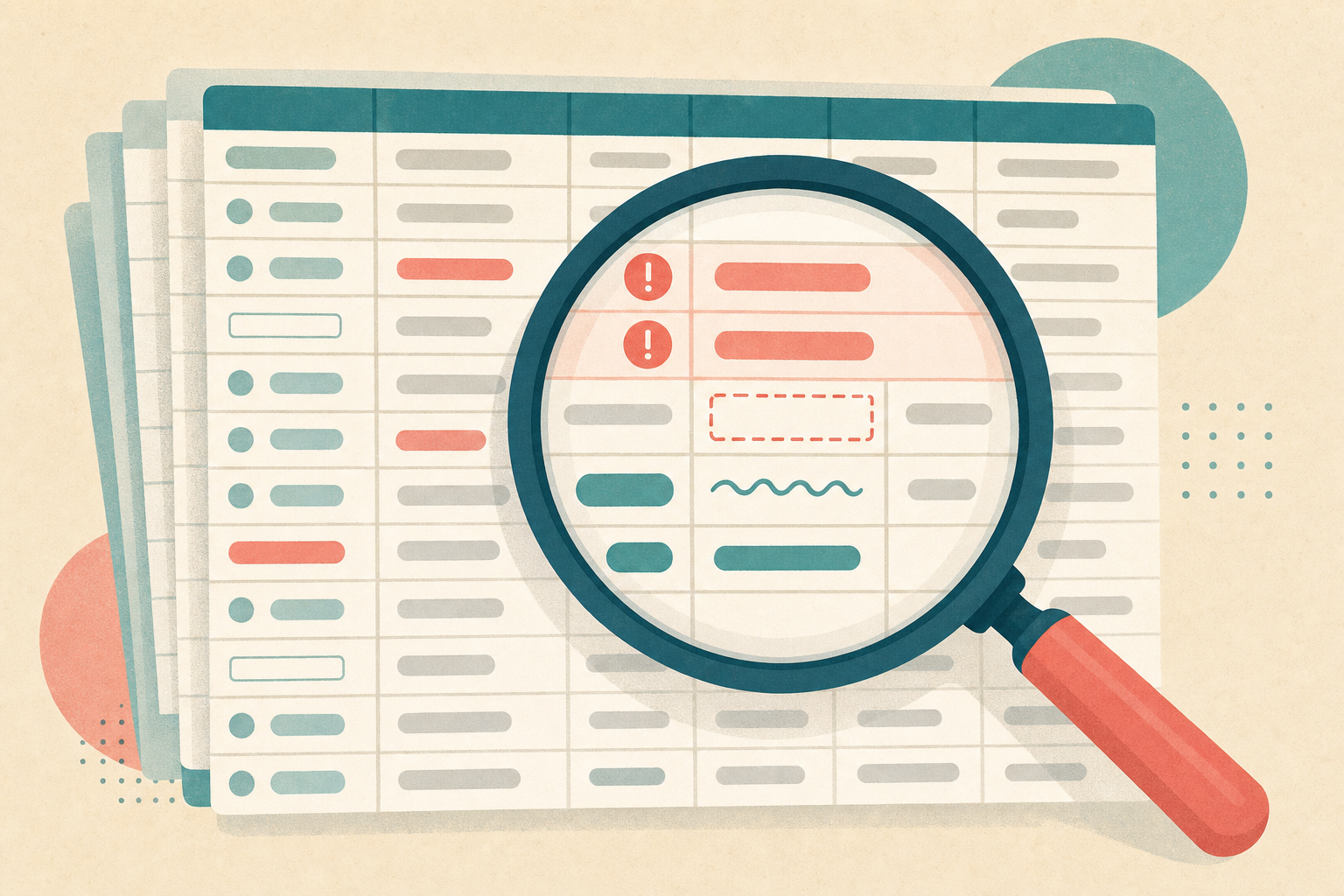
- Duplicate records multiply invisibly. Every donor who gives twice through different channels — once online, once by mail — has a chance of becoming two records. According to Omatic Software's analysis of donor database costs, even a 5 percent duplicate rate on a 5,000-record database means 250 duplicate records — enough to double-mail major donors, split giving history across profiles, and quietly disqualify people from mid-major cultivation.
- Reporting takes hours instead of minutes. Every board meeting starts with someone building pivot tables from scratch instead of pulling a saved dashboard.
- Institutional knowledge lives in one person's head. When the development coordinator leaves, the shorthand annotations and personal categorizations in the spreadsheet go with them.
- Compliance risk grows quietly. Personal donor data sitting in a shared spreadsheet, with unclear access permissions and no audit trail, is a real GDPR, PIPEDA, or state privacy law exposure.
None of these are catastrophic on any given day. They just quietly compound until you cannot answer basic questions like "which donors gave last year but not this year?" without a half-day of manual work.
The five things a CRM does that a spreadsheet cannot
Before you migrate, be clear on what you are actually buying. A modern nonprofit CRM should do five things that a spreadsheet fundamentally cannot:
- Automatic deduplication — matching donors by email, phone, and address on gift entry, not months later
- Native gift processing — connecting to your payment processor so donations flow directly into donor records with no re-keying
- Automated receipting and stewardship workflows — triggered thank-yous, monthly welcome series, and lapsed-donor re-engagement running without staff time
- Multi-user access with permissions — different roles for the ED, board treasurer, and volunteer coordinator, with an audit log
- Reporting and segmentation — being able to answer "who gave $500+ last year and lives in Ontario" in three clicks, not three hours
If your CRM does not do those five things well, you have not really migrated — you have just moved your spreadsheet to a slightly nicer interface with a subscription fee.
The six-phase migration playbook
Here is a practical playbook you can adapt to a small-shop migration. The whole thing can be done by one person plus a friendly volunteer in about six weeks of part-time effort.
Phase 1: Audit before you migrate. Do not migrate a mess. Open your spreadsheet and do a real audit: total number of records, estimated duplicate rate, percentage of records with a bad or missing email, and percentage of records with no giving activity in the last 24 months. DonorDock and Double the Donation both recommend running this audit as the first data-hygiene step, not the last. Snapshot your baseline before you touch anything.
Phase 2: Decide what stays and what goes. Not every row in your spreadsheet needs to make the trip. As a rule of thumb: bring across every donor who has given in the last 5 years, every current recurring donor regardless of gift date, and every prospect with a documented interaction in the last 24 months. Archive the rest to a "legacy" CSV that you keep for reference but do not import. This alone can shrink your migration by 30 to 50 percent and make everything downstream cleaner.
Phase 3: Clean and standardize. Deduplicate first (use conditional formatting on email and phone to spot duplicates), then standardize name capitalization ("Jane Doe" not "JANE DOE" or "jane doe"), address format (use USPS or Canada Post standards), and gift dates. Nonprofit gift-processing best practices from NPO Info recommend using auto-complete fields for repeat data like employer names to prevent variation between "Disney," "Walt Disney Company," and "Disney World" all referring to one entity.
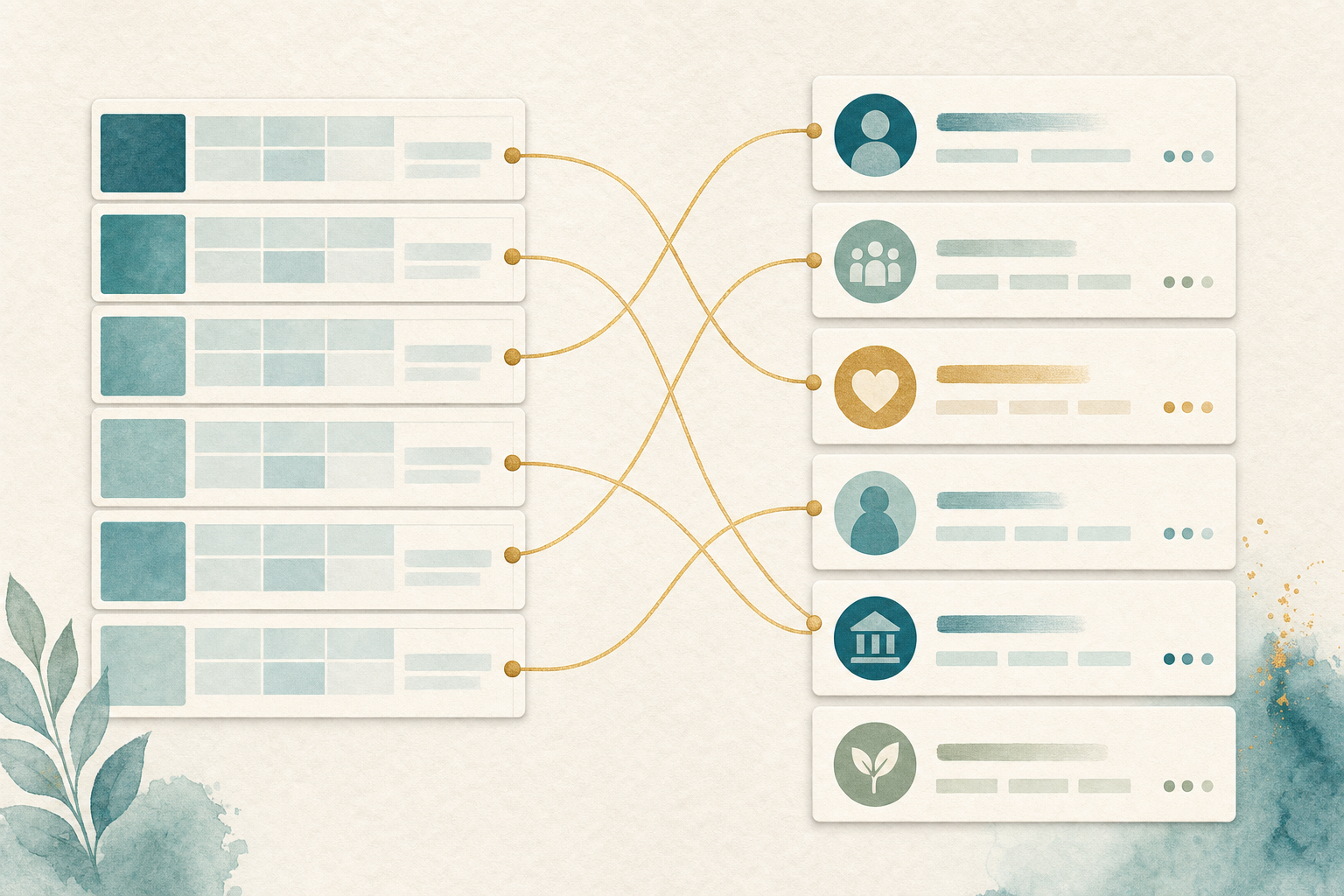
Phase 4: Map your fields. Before you upload, sit down with the CRM's field template and map each spreadsheet column to a CRM field. Do not create custom fields for everything — most out-of-the-box fields exist for a reason. Only create custom fields for data that is genuinely specific to your organization (program participation, event attendance, board relationships). This is where the 5-phase migration frameworks from CRM vendors all agree: mapping is the phase where migrations succeed or fail.
Phase 5: Test with a small batch. Never import your whole file first. Import 20 to 50 records, verify every field mapped correctly, check that gift totals reconcile, and confirm that automated workflows (welcome email, receipt) trigger correctly. Only then run the full import. If your CRM does not support a test import, that itself is a red flag about the platform.
Phase 6: Reconcile and freeze the old system. After the full import, spend a day reconciling: total record count, total giving in the last 12 months, count of active recurring donors. Every one of these numbers should match your spreadsheet baseline. Then formally freeze the spreadsheet — rename it "ARCHIVE - do not edit" and remove edit permissions. If anyone can still write to the old system, you now have two systems of record, which is worse than either one alone.
The one migration mistake almost everyone makes
If there is one mistake that separates smooth migrations from painful ones, it is trying to import perfect history. Small nonprofits routinely spend weeks trying to preserve every gift note, every ticked-off column, every hand-scribbled annotation from 2016 — and then the migration stalls because the effort has become impossible.
Do not do this. Import 5 years of clean giving history. Archive the rest as a read-only reference CSV. Your CRM's job is to be the source of truth going forward, not a museum of the past.
Regional Insight: Canada vs. U.S.
Canadian nonprofits face one additional wrinkle: CRA requires charities to maintain donor records and duplicate copies of official donation receipts for at least six years from the end of the last calendar year to which they relate. If you archive your spreadsheet, that archive still counts as an official record for CRA purposes — make sure it is stored securely and remains retrievable in the event of a CRA audit.
Also worth noting: privacy law in Canada under PIPEDA and provincial equivalents applies to donor records, and moving personal data between systems is a "collection, use, or disclosure" that should be documented in your privacy policy. Most small charities gloss over this. If your board has a privacy policy, the migration is a good moment to confirm you are still consistent with it.
For US organizations, IRS record-retention guidance for 501(c)(3) donation records is generally three years from the tax filing date, though many advisors recommend seven. The migration is a chance to codify a retention policy, not violate one.
What "great" looks like 90 days after migration

If the migration went well, here is what your CRM should show 90 days in:
- Total active donor count within 2 percent of your pre-migration baseline (some clean-up of true duplicates is expected)
- Duplicate rate below 2 percent, with an active dedup rule preventing new ones
- Every recurring donor migrated with an active payment method and receipting on schedule
- At least one dashboard or saved report that answers a question you previously couldn't answer in under five minutes
- The spreadsheet formally archived, with no one writing new data to it
If you can check all five of those boxes, you have not just migrated a dataset — you have built the operating foundation for every fundraising program that comes after.
Conclusion: The migration is not a project, it is a decision
The hardest part of moving from spreadsheet to CRM is not the technology. It is the decision to commit — to accept that six weeks of moderate effort now is worth the compounding time savings, cleaner reporting, and reduced risk for years to come.
Most small nonprofits will keep the spreadsheet running "just for now" for another 12 months. The ones that make the decision this quarter will end the year with a real database, real reports, and real capacity to do the fundraising work they actually want to do.
Pick your migration date. Put it on the calendar. Then work backward from that date and start with the audit this week. That single act — putting a date on the calendar — is what separates the organizations that will migrate from the ones that will still be talking about it a year from now.