

Hook & Context
Here is a scenario that plays out in nonprofit offices every week. A part-time coordinator leaves for another job. Two months later, someone realizes she still has the login for the CRM, the email platform, and the payment processor. Nobody changed the passwords because everyone shares them. Nobody is quite sure what she can still see.
That awkward pause is the sound of your access control policy. And the numbers say it is not just embarrassing — it is dangerous. Cyberattacks on nonprofits and civil society organizations rose 241% between 2024 and 2025, according to Cloudflare's Project Galileo report cited by SecTec. Okta's 2025 Nonprofits at Work report ranks nonprofits as the second most targeted sector globally, ahead of banks and government agencies. UC Berkeley's Center for Long-Term Cybersecurity found that 85% of nonprofits have already experienced at least one cyberattack and that 53% have no full-time IT staff to defend against the next one.
The single most controllable variable in that risk picture is who has access to what — and small nonprofits are systematically getting it wrong. If your team is still sharing logins, using one admin account for everyone, or handing out full permissions "because it is easier," you are one departure, one phishing email, or one compromised password away from a preventable disaster.
Insight & Analysis
Access control gets ignored in small shops for a very human reason: it feels bureaucratic. Nonprofit teams are lean, everyone wears multiple hats, and adding friction to "just get the work done" seems like the last thing you need. So the executive director's login becomes the office login. The gala volunteer gets full admin access "for the weekend." The board treasurer keeps read-write access to the donor database three years after leaving the board.
Every one of those shortcuts violates a principle security professionals call least privilege — give each person only the access they need to do their specific job, and nothing more. The U.S. NIST SP 800-53 controls codify this as role-based access control (RBAC) and explicitly warn against shared and group accounts because of "the increased risk due to the lack of accountability."
Lack of accountability is the quiet killer. When five people share one login and something goes wrong — a donor record deleted, a refund issued, an export downloaded, a fraudulent gift entered — you cannot tell who did it. You cannot train the person who made the mistake because you do not know who they are. You cannot terminate access to a former staffer without changing the password for everyone. And if you ever face an audit or a breach investigation, "we all used the same account" is not a defense. It is a finding.
The Verizon 2024 Data Breach Investigations Report, summarized by SecTec, found that 68% of breaches across all sectors involved a human element — phishing, credential misuse, or social engineering. Shared credentials multiply that risk. One phished password unlocks everything, and nobody notices until the damage is done.
Here is the reframing that helps small teams take this seriously: role-based permissions are not about distrusting your people. They are about protecting your people. When only the finance manager can issue refunds, nobody else can be blamed for a bad one. When the summer intern cannot delete donor records, nobody has to worry about the intern making a costly mistake on day three. Good permissions are guardrails, not handcuffs.
Actionable Steps
You do not need enterprise IT to fix this. Here is a practical plan any small nonprofit can execute this quarter.
1. Give every person their own login
This is non-negotiable and the single highest-impact change you can make. Every staff member, board member, and long-term volunteer who touches your CRM, email platform, or payment tools gets a unique named account. No more office@yourorg.com being used by four people. When someone leaves, you disable one account and nothing else changes.
If your current tools charge per user and that pushes you toward sharing, treat it as a sign to shop for tools that price fairly for nonprofits. Most modern nonprofit CRMs — including those built for small teams — include unlimited users on standard plans. Sharing logins to save $10 a month is not a saving; it is a liability.
2. Define three or four roles, not thirty permissions
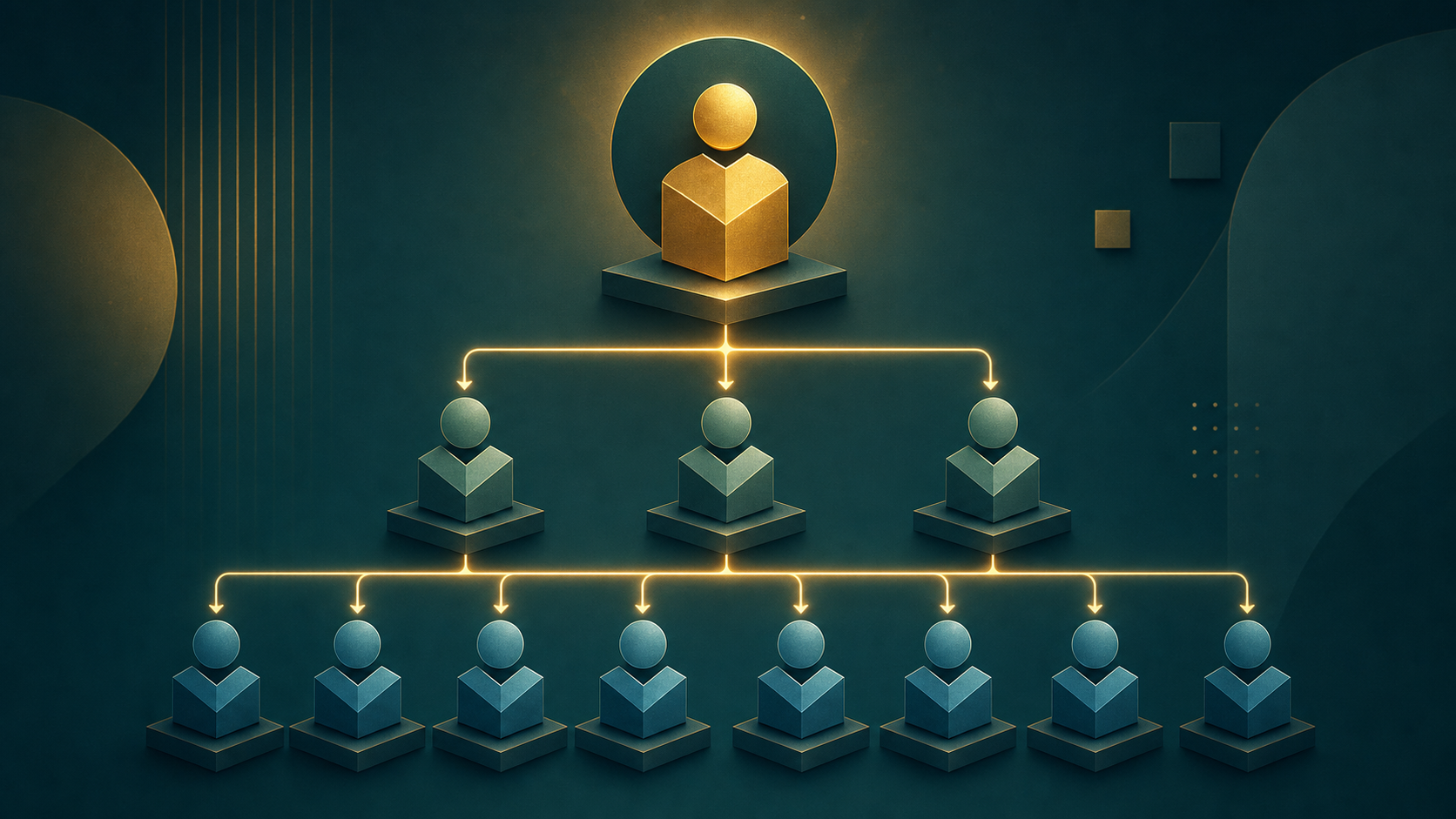
Do not try to design a granular permission matrix from scratch. It will collapse under its own weight. Start with three or four clear roles that match how your organization actually works. A common starting point:
- Admin — full access, including user management and system settings. Two people maximum, usually the ED and one backup.
- Fundraiser / Staff — can create and edit donor records, log gifts, send emails, run reports. Cannot delete records or change system settings.
- Viewer — read-only access to reports and donor lists. Good for board members and program staff who need visibility but not editing rights.
- Finance — can process refunds, edit gift amounts, export financial reports. Separate from general staff because financial actions carry the most risk.
Assign every user to exactly one role. If someone genuinely needs two, that is a signal your roles need refining, not that you should give them admin.
3. Enable multi-factor authentication on everything sensitive

A password alone is not enough anymore. MFA — where logging in requires a second factor like a code from a phone app — is the single most effective defense against the phishing attacks that cause 68% of breaches. Turn it on for your CRM, your email, your payment processor, your bank, and your cloud storage. Yes, it adds a few seconds to login. Those seconds are the cheapest insurance premium you will ever pay.
4. Off-board within seven days — every time
When someone leaves — staff, board, or long-term volunteer — you have a window to remove their access before something goes wrong. Make it a formal step in your off-boarding checklist. Fusion Computing's donor data protection guide for Canadian nonprofits recommends removing leavers and inactive volunteers within seven days. Write down every system they had access to, disable each account, and reassign any records or workflows they owned. Do not just "mean to get to it."
5. Use a password manager for the accounts you legitimately share
Some accounts genuinely must be shared — the org's social media handles, a shared inbox, a vendor portal that only allows one login. For those, use a password manager like 1Password, Bitwarden, or NordPass. 1Password, Bitwarden, and NordPass all offer nonprofit discounts. A password manager lets you share access without sharing the actual password, revoke access instantly, and rotate credentials without disrupting the team.
6. Audit access every quarter

Put a recurring 30-minute calendar reminder on the first Monday of each quarter. Open your CRM's user list. Ask three questions of every account:
- Does this person still work with us?
- Do they still need this level of access?
- Have they logged in in the last 90 days?
Disable anything that fails those tests. It will take you 20 minutes and it will catch the ghosts.
Regional Insight: Canada and the U.S.
For Canadian charities, the legal picture is more nuanced than most fundraisers realize. The Office of the Privacy Commissioner of Canada confirms that PIPEDA does not automatically apply to charities because most core activities — collecting membership fees, fundraising, mailing newsletters — are not "commercial activities" as the Act defines them.
But the moment you sell, barter, or lease a donor or membership list, that activity is commercial and PIPEDA applies fully — including mandatory breach reporting to the Privacy Commissioner and notification to affected donors. Alberta, British Columbia, and Quebec also have their own private-sector privacy laws that can apply regardless of the commercial-activity test. The Charity Law Group's 2026 Privacy Guide is a practical starting point for Canadian charities working out where they land.
In the U.S., there is no federal equivalent to PIPEDA, but state privacy laws — California's CCPA, Virginia's CDPA, Colorado's CPA, and several others — increasingly reach nonprofits that operate across state lines or process large volumes of personal data. Access controls are not optional in either country; they are the baseline expectation regulators, auditors, and funders now assume you have.
Conclusion
Permissions are one of those problems that never feels urgent until it suddenly is. The former employee who still has access. The intern who accidentally deleted the major-donor pipeline. The phished password that unlocked the whole database. Every one of those stories starts the same way — "we meant to fix that."
You do not need to become an IT department overnight. You need four things: unique logins for every person, three or four clear roles, MFA on the systems that matter, and a quarterly 20-minute audit. That is it. Do those four things and you will be ahead of the vast majority of nonprofits your size — and you will have removed the single most common cause of the "how did that happen" moment.
Your donors trust you with their information. The least you can do is make sure the right people are the only ones who can see it.