Your event just wrapped. You raised more than you did last year. Someone posts the group photo on Instagram. Your board chair sends a "great job, team" email. Everyone breathes out.
Two weeks later, no one remembers whether the couple that bid $12,000 on the silent auction ever received a proper thank-you, whether the sponsor's contact person got added to your major gift pipeline, or whether the 40 first-time attendees got any follow-up at all.
This is the event fundraising trap: the event goes well, but 90 percent of the compounding value walks out the door because the data never made it into your CRM.
According to industry benchmark data, the average gala event conversion rate is 15 to 25 percent, and peer-to-peer events convert 10 to 20 percent of attendees into donors. Which means at any given event, three out of four attendees are non-donors — and their attendance is one of the strongest predictors of future giving you will ever get. If you cannot cultivate them because you cannot find them in your CRM, you are effectively acquiring warm prospects and then throwing them in the trash.
This post walks through why event data is so valuable, why most small nonprofits mishandle it, and the specific workflow you can build this month to make your next event ten times more valuable than your last one.
The hidden value of event data
Attending your event is a much stronger signal than opening your newsletter. Someone who bought a gala ticket, showed up to your 5K, or registered for a free webinar took a real action — usually spent real money — to be in your orbit. That behavior correlates with major gift conversion, volunteer commitment, and peer-to-peer activation.
According to the Blackbaud Institute's 2024 Charitable Giving Report, organizations with comprehensive engagement histories in their donor CRMs generate 23 percent higher average gift amounts from mid-level donors in the year following an event, compared to organizations with incomplete records.
Twenty-three percent higher mid-level gifts is not a rounding error. It is the difference between a mid-level donor giving $500 or $615 — and multiplied across your donor file, it can be five figures of unrealized revenue every single year.
The other value hiding inside event data:
- Household relationships. A gala table sponsor often reveals a spouse, a business partner, or a peer network you did not know existed.
- Capacity signals. Someone who casually paid $500 for a ticket is telling you something about their capacity that a $25 online gift does not.
- Warm-referral pathways. Peer-to-peer fundraisers are literally referring their networks to you. If you are not tracking who invited whom, you are wasting your most valuable acquisition channel.
Why most event data never makes it into the CRM
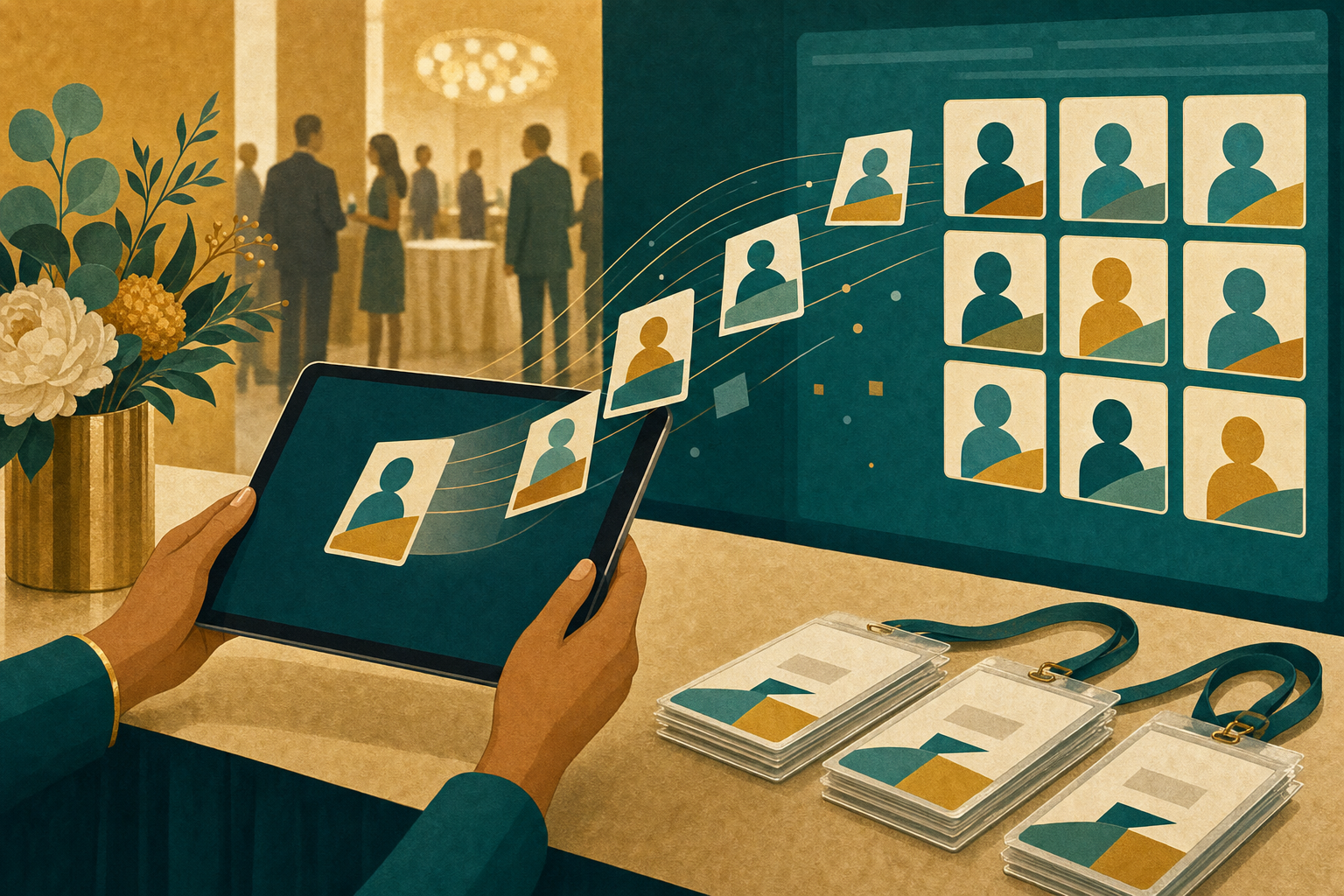
Small nonprofits do not fail at event data because they do not care. They fail because the workflow is genuinely hard, and it usually looks like this:
- Event platform (Eventbrite, Zeffy, Classy, or a custom form) collects registrations
- Volunteers check people in on the day of the event using a paper list or a spreadsheet
- Auction platform (or paddle raiser) collects bids and pledges separately
- Sponsor commitments live in an email thread and a signed PDF
- Cash and cheque donations get bundled up in an envelope
Then someone — usually the one person who understands all of it — is expected to reconcile all five sources against the CRM manually, one week later, while also thanking donors, filing sponsor invoices, and planning the next appeal.
According to a 2026 analysis by US Tech Automations, a typical 500-attendee fundraising gala costs 20 to 35 staff hours in post-event data reconciliation when done manually. Automation reduces that to under two hours of exception review. Meanwhile, the thank-you window that actually drives retention (24 to 72 hours) has already passed.
The result: a good portion of event revenue never gets attributed to the right donor record, thank-yous go out cold or not at all, and the sponsor list becomes an untracked email thread that quietly disappears when the ED changes computers.
Six actionable steps to build an event-to-CRM workflow that actually works
You can fix this without buying a new event platform. You need five things: a plan, some CRM fields, an integration, an exception queue, and a follow-up cadence.
1. Add event tracking fields to your CRM. Before your next event, add three fields to every donor record: Event Attended (multi-select of event names), Event Role (attendee, sponsor, fundraiser, volunteer), and Event Revenue Attribution (dollar amount attributable to the event). If your CRM does not support these fields, use tags. This is table stakes for everything else.
2. Pick one event platform and integrate it. Multiple platforms for multiple event types means duplicate reconciliation work. Pick the one that best integrates with your CRM — either via a native connector or via Zapier — and use it for as many event types as possible. The tradeoff is worth it.
3. Define your match logic before the event. Sit down with whoever runs your CRM and decide, in writing: What is the match logic when an event registration arrives? Email-exact match first? Then email + name fuzzy match? What about household matching for couples? What about the plus-one who bought a ticket but never gave you their email? Every unmatched registration becomes a duplicate record unless you decide the rules first.
4. Build an exception queue. Not every registration will match cleanly. Build a review queue (a saved list, a Slack channel, a tagged view in your CRM — anything) where unmatched records land. Assign one person to review the queue within 48 hours of the event. This is where the "under two hours of exception review" number comes from.
5. Trigger the follow-up sequence automatically. As soon as attendance is confirmed, your CRM should automatically send a personalized thank-you email within 24 hours (a warm note, not a receipt), tag them for a follow-up phone call from a board member or gift officer within 7 days if they gave a major gift, and enroll them in a 4-week event-attendee nurture sequence that includes a soft ask.
6. Measure the follow-up conversion. Zeffy identifies event follow-up conversion rate — the percentage of event attendees who take a follow-up action (donate, join monthly giving, volunteer) after the event — as "the metric that separates an event from an isolated party." Track it. If your rate is under 10 percent, your follow-up isn't working. If it's over 25 percent, you have a real event fundraising program.
The peer-to-peer twist

If your event includes peer-to-peer fundraising — a walk, a run, a birthday campaign, a virtual ride — the data becomes even more valuable, because you now have both the participant and their donor network.
According to Raisely's 2025 Peer-to-Peer Fundraising Playbook, participant activation rates hold steady at 76 percent, but average fundraising per participant dropped from $308 in 2023 to $244 in 2024. The activation gap — the fact that a quarter of registered fundraisers never actually ask anyone — is the biggest untapped opportunity in P2P.
Every peer-to-peer donor who gave through a friend is also a warm prospect for your direct program, but only if your CRM captures both the fundraiser (participant) and the donor, links them as a relationship, and includes both in the follow-up. Most small P2P programs never link the two — meaning next year they market to the participant again but never to the donors that participant brought in.
Regional Insight: Canada vs. U.S.
The Canadian peer-to-peer market has genuinely different dynamics from the U.S. According to the Peer-to-Peer Professional Forum's 2024 benchmark, Canada's top 30 P2P programs raised $194.3 million in 2024 — up 3.9 percent — with 4.7 million participants. The Terry Fox Run held the top Canadian spot, followed by Movember Canada, The Ride to Conquer Cancer, and the CIBC Run for the Cure. Canadian events tend to be more concentrated in health and community-cause programs than the U.S. market.
Canadian charities also need to layer in CRA receipting rules for event revenue. As a reminder, only the portion of an event fee that exceeds the fair market value of the "advantage" (dinner, drinks, entertainment) is eligible for a donation receipt. Your CRM should be configured to split ticket revenue into "eligible amount" and "advantage" automatically at import — otherwise you are either over-receipting (compliance risk) or under-receipting (donor relations risk).
For US 501(c)(3) organizations, the IRS requires a written disclosure of the deductible portion for any quid-pro-quo contribution over $75. Same logic, different threshold.
What "great" event data looks like

If your event workflow is working, here is what your CRM should show 30 days after the event:
- Every attendee tagged with the event name and role
- Every gift attributed to the event with a dollar amount
- Zero orphan registrations in the exception queue
- Thank-you emails sent within 24 hours to 100 percent of attendees
- A named list of "major gift prospects from this event" reviewed by the ED or gift officer
- A named list of "peer-to-peer donors" enrolled in a re-engagement sequence
- A pre/post event lapsed-donor comparison showing which lapsed donors came back through the event
The last one is the most underrated: events are one of the best lapsed-donor reactivation channels there is, but only if you can compare your pre-event and post-event donor lists.
Conclusion: The event is not the end, it is the start
An event without a CRM workflow is a nice night. An event with a CRM workflow is the start of a fundraising program that compounds year over year.
The organizations that treat their next event as a data-collection exercise for their CRM — not just a revenue event — will out-fundraise their peers within two years, because the compounding value of well-stewarded event attendees is enormous.
Pick one step this week. Most likely, that step is adding those three CRM fields — Event Attended, Event Role, Event Revenue Attribution — before your next event. Everything else builds on that foundation.
The party ends at 10 p.m. The fundraising program starts at 10:01.